At 23W, we’re all about giving you the tools, knowledge, and support to train with intention and level up your results. And while most of our community knows the 23W app is great for tracking workouts, there’s so much more under the hood.
Whether you’re new to our studio or a long-time member, here are 6 powerful app features you might not be using yet—but absolutely should be.
Your training data is gold—so why not use it?
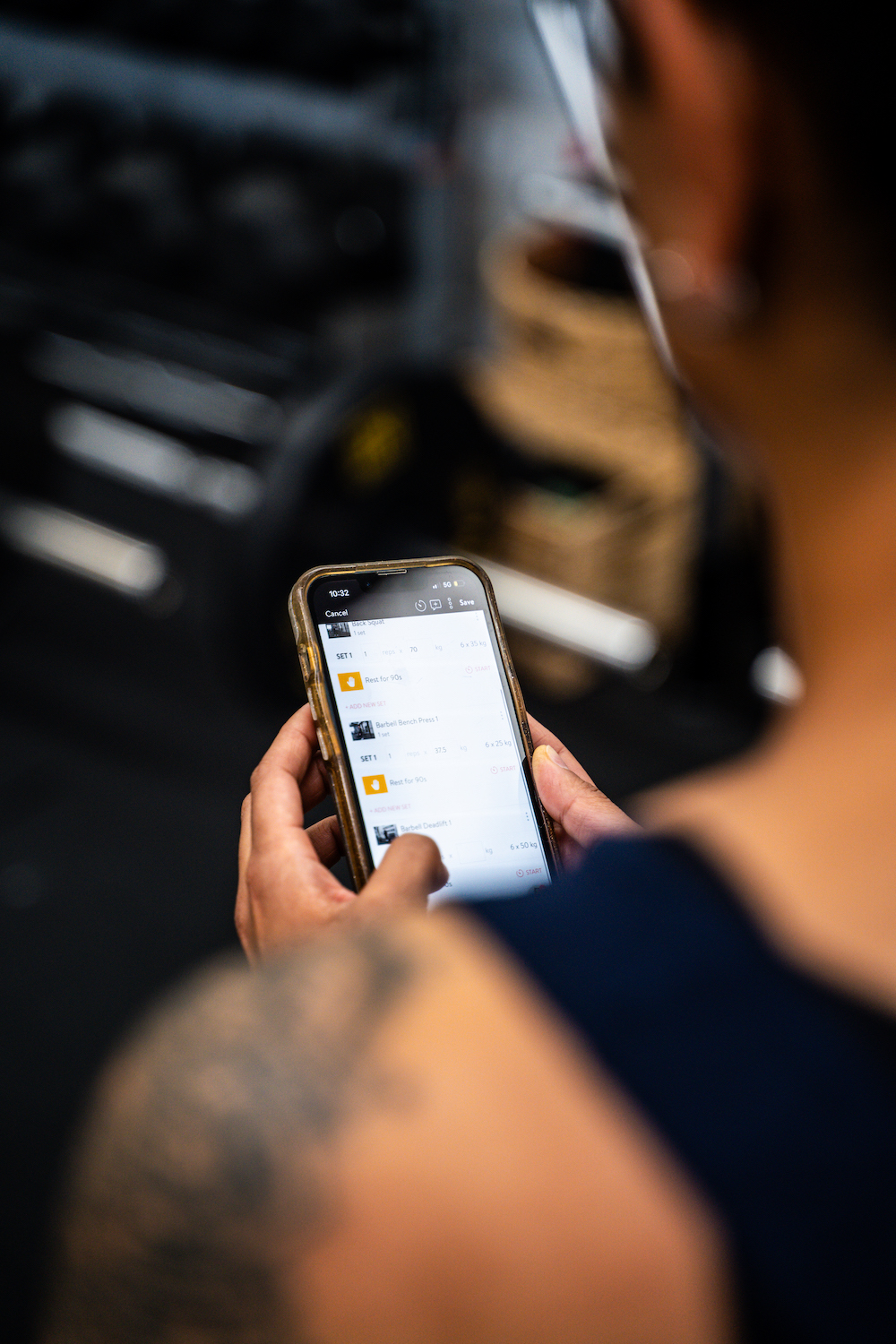
With the 23W app, you can see your upcoming workouts, review past sessions, and track your progress in real time. It automatically logs the weights, reps, and sets you’ve completed, making it easy to spot improvements and push for new personal bests. You can even view your individual 1RM lifts and total volume across sessions. It’s your training journal—without the paper cuts.
Gone are the days of second-guessing what weight to start on.
Our auto-fill feature pulls your last logged set into your next workout, so you’re not wasting time trying to remember what you lifted last week. Just adjust up or down depending on how you feel. It’s one of the simplest ways to train with purpose and ensure progressive overload.
Because your health is more than just what you lift.
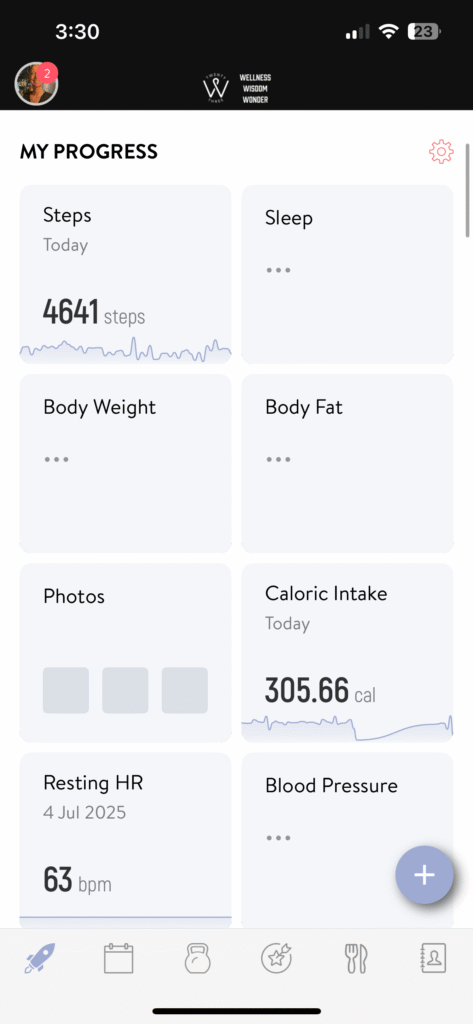
The app allows you to log and view key biometrics including daily steps, sleep quality, weight, body composition (via InBody scans), progress photos, and even cycle tracking. These metrics give you a deeper insight into how your body is responding to training, stress, and recovery—so you can make more informed choices.
We get it—you don’t always train within four studio walls.
With the 23W app, you can log additional workouts like a weekend hike, a run, a spin class, or a PT session outside our program. This gives your coach a full picture of your weekly load and can help with managing fatigue, improving recovery, and tweaking your plan when needed.
Support when you need it—without the guesswork.
Whether you’ve got a question about your program, need feedback on form, or want to check if you’re lifting appropriately, our two-way messaging feature has your back. PT clients will be connected directly to their coach, while group training members can reach out to our studio manager. We’re just a message away.
No more calorie confusion.
Want to dial in your nutrition? Ask a coach to turn on our smart macro tracking and meal planning feature. It uses your InBody scan data to tailor your daily targets, helping you stay accountable with meals that match your goals—whether that’s fat loss, strength gains, or feeling better in your body.
If you’re not already using these features, start with one or two this week. Need help getting set up? Just ask one of our friendly team members—we’re always happy to walk you through it.

Ange Drake is a personal trainer, women’s empowerment coach and fitness blogger in the northern suburbs of Melbourne. She is the director of one of the few womens’ only strength training gyms in Melbourne, 23W. Ange helps women to learn how to use strength based training, nutritional strategies and a positive mindset to transform their bodies, relationship with food and mind.